
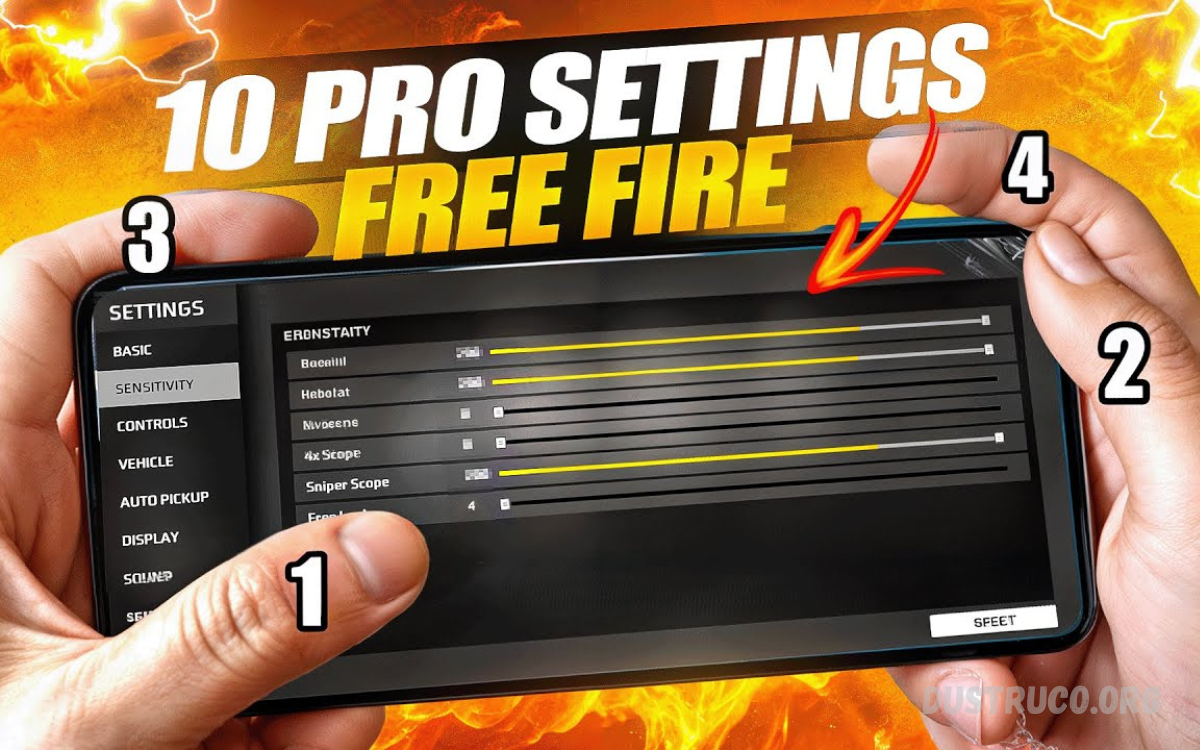
Finding the best sensitivity settings for headshots is one of the most important steps in improving aiming accuracy in competitive shooting games. Whether you play on mobile or PC, the right sensitivity directly affects how smoothly you can track enemies, control recoil, and land consistent headshots.
Most players struggle because they either use very high sensitivity, which makes aiming unstable, or very low sensitivity, which slows down reaction time. The ideal setup usually comes from a combination of general sensitivity, red dot or ADS sensitivity, and gyroscope or mouse DPI adjustments, depending on the platform.
Importance of Best Sensitivity Settings for Headshots
Headshots are the fastest way to eliminate enemies in FPS games. A single accurate headshot can change the outcome of a match. Proper sensitivity helps in:
- Faster target locking
- Better recoil control
- Smooth crosshair movement
- Improved reaction time
- Consistent head-level aiming
Players with incorrect sensitivity often miss shots, even when their reaction time is fast. That is why optimizing Best Sensitivity Settings for Headshots is essential for both beginners and competitive players.
Key Factors That Affect Sensitivity
Before setting up sensitivity, it is important to understand what influences it:
1. Device Type
Low-end devices may feel laggy at high sensitivity, while high-end devices allow smoother transitions.
2. Screen Size
Larger screens require slightly lower sensitivity for better control.
3. FPS Stability
Higher FPS gives smoother aim control and better precision.
4. Player Reflex Speed
Fast reflex players prefer higher sensitivity, while controlled players prefer medium settings.
5. Game Mechanics
Every game has different recoil patterns and aiming systems.
Understanding these factors helps in building the Best Sensitivity Settings for Headshots more effectively.
Recommended Sensitivity Setup for Headshots
Below is a balanced sensitivity structure used by many skilled players. These are starting points, not fixed rules.
General Sensitivity
This controls overall camera movement.
- Recommended Range: 85 – 100
High general sensitivity helps in quick movement and fast target tracking.
Red Dot Sensitivity
Used for close-range aiming.
- Recommended Range: 75 – 95
This helps maintain smooth drag headshots during close combat.
2x Scope Sensitivity
Used for mid-range fights.
- Recommended Range: 60 – 80
Keeps stability while tracking moving targets.
4x Scope Sensitivity
Used for long-range precision.
- Recommended Range: 50 – 70
Helps control recoil and maintain accuracy.
Sniper Scope Sensitivity
Used for sniper rifles.
- Recommended Range: 30 – 50
Lower sensitivity ensures stability for one-tap headshots.
ADS Sensitivity
Controls aiming while firing.
- Recommended Range: 80 – 95
Important for spray control and drag headshots.
Read Also: Best Free Fire Sensitivity Settings Guide for Improved Gameplay
Gyroscope Settings for Better Headshots
Gyroscope-based motion aiming is widely used in mobile FPS games.
Recommended Gyroscope Settings:
- No Scope: 250 – 300
- Red Dot: 300 – 350
- 2x Scope: 250 – 300
- 4x Scope: 200 – 250
- Sniper Scope: 150 – 200
A gyroscope helps players improve micro-adjustments, making Best Sensitivity Settings for Headshots more effective in real combat situations.
Step-by-Step Method to Find Perfect Sensitivity
Step 1: Start with Default Settings
Do not jump into extreme values. Use mid-range sensitivity first.
Step 2: Practice in Training Mode
Test aiming on stationary and moving targets.
Step 3: Adjust Gradually
Increase or decrease sensitivity by 5–10 points only.
Step 4: Focus on Head Level Crosshair
Always keep the crosshair aligned to head height.
Step 5: Test in Real Matches
Training alone is not enough; real combat testing is necessary.
Common Mistakes Players Make
Many players fail to achieve Best Sensitivity Settings for Headshots due to these mistakes:
1. Copying Pro Players Blindly
Every player has different reflexes and device setups.
2. Changing Settings Too Often
Frequent changes destroy muscle memory.
3. Using Extreme Sensitivity
Too high sensitivity reduces control and accuracy.
4. Ignoring Recoil Practice
Sensitivity alone cannot improve headshots without recoil training.
Advanced Tips for Better Headshots
To maximize performance, combine sensitivity with these techniques:
Crosshair Placement
Always aim at head level before engaging enemies.
Drag Shot Technique
Swipe slightly upward while shooting for headshots.
Pre-Aiming
Predict enemy movement and aim before they appear.
Burst Fire Control
Avoid continuous spraying at long range.
Training Consistency
Practice daily to build muscle memory.
Best Sensitivity Settings for Headshots – Pro Strategy
Professional players focus on balance rather than extreme values. The secret behind Best Sensitivity Settings for Headshots is consistency and comfort.
A good pro setup usually includes:
- Medium-high general sensitivity
- Stable ADS control
- Slightly lower sniper sensitivity
- Optional gyroscope support
This combination allows for fast reaction and stable aiming simultaneously.
How Sensitivity Improves Headshot Accuracy
Proper sensitivity improves:
- Flick speed toward enemy’s head
- Recoil compensation during spray
- Tracking moving targets smoothly
- Stability during long fights
- Confidence in close combat situations
When sensitivity is optimized, aiming becomes automatic through muscle memory rather than conscious effort.
Frequently Asked Questions
Does high sensitivity improve headshots?
High sensitivity can improve quick movement, but it may reduce accuracy. Headshots require balance, not extreme speed.
Is low sensitivity good for headshots?
Low sensitivity gives better stability but slower movement. It can help with precision but may reduce reaction speed in close fights.
Do pro players use high or low sensitivity?
Most pro players use a balanced or slightly high sensitivity setup, adjusted to their comfort and muscle memory.
How often should I change sensitivity settings?
You should avoid frequent changes. Stick to one setup for at least a few days to build muscle memory before adjusting.
Does a gyroscope help in headshots?
Yes, a gyroscope improves fine aiming control and recoil management, making it easier to land accurate headshots in mobile games.
What is the biggest mistake in sensitivity settings?
The biggest mistake is copying other players’ settings without testing, which often leads to poor aiming performance.
How long does it take to master sensitivity?
It usually takes a few days to a few weeks of consistent practice to fully adapt and develop strong muscle memory for headshots.
Conclusion
Best Sensitivity Settings for Headshots are not universal values but rather personalized configurations based on player style, device capabilities, and practice level. The real improvement comes from consistent practice combined with balanced settings.
Instead of searching for perfect numbers, players should focus on gradual adjustment, training routines, and in-game experience.
